Performance
Animations That Feel Premium Without Wrecking Your Page Speed
You don't have to choose between motion and speed. Premium website animations stay fast when you animate the right properties, load heavy effects late, and respect reduced-motion — here's exactly how to get both.

Why Motion Makes or Breaks a Site
Animation is the fastest way to make a website feel expensive. It's also the fastest way to make it feel broken — and the gap between those two outcomes is almost never the idea. It's the execution.
I've shipped the exact same scroll reveal twice. Once it was buttery smooth. Once it stuttered on a mid-range Android and made the whole site feel cheap. Same concept, same design — the only difference was how it was built.
That's the part most people miss. Motion isn't expensive by nature. Careless motion is. And the rules for keeping it fast are boring, few, and easy to follow once you know them.
"The difference between an animation that feels premium and one that feels broken is almost always execution, not the idea."
What Actually Slows a Site Down
Browsers are great at some things and terrible at others, and animation performance comes down to staying on the side they're good at.
They're fantastic at moving and fading things. They're awful at constantly recalculating layout. So the moment you animate a property that forces the page to re-measure everything around it, you get jank — that stuttering, sticky feeling on scroll. Most "my animations are slow" problems are exactly this, and they vanish the second you stop doing it.
The Rules That Keep Motion Fast
Three habits cover almost every case.
Animate Transform and Opacity
Moving, scaling, fading — transform and opacity go straight to the GPU while the rest of the page sits still. Cheap and smooth. Avoid animating width, height, top, left, or margin; those force a layout recalculation on every single frame. This one rule fixes most performance complaints on its own.
Load the Heavy Stuff Late
That elaborate animated section three screens down doesn't need to exist on page load. Let it spin up when the user scrolls near it. The first second of a page load is busy enough without piling optional polish on top — your important content should paint first, always.
Use Scroll Animations With Restraint
Two things ruin them: animating a dozen elements at once (stagger them instead), and tying motion to every raw scroll event (use modern scroll-linked animation that runs off the main thread). And honestly, restraint reads as premium. A little goes a long way.
One more, quietly important: respect the visitor's prefers-reduced-motion setting with a calm static fallback. Some people get queasy from parallax; some just turn motion off. Honoring that costs you nothing and signals a site built by people who actually thought about their users.
"The premium sites you screenshot for inspiration almost always animate less than you'd guess — just far more precisely."
So How Much Animation Is Too Much?
If every section flies, swoops, and bounces, none of it feels special — it just feels noisy. The sites that feel genuinely expensive tend to pick a few moments and nail them: a confident hero entrance, one well-timed scroll reveal, subtle hover feedback.
The "motion vs. speed" trade-off people believe in mostly isn't real. You can have beautiful movement and green Core Web Vitals. Lazy execution is the only actual enemy — not animation itself.

Design Process
Jul 4, 2026

Avijit Roy
Ceo & Co-Founder
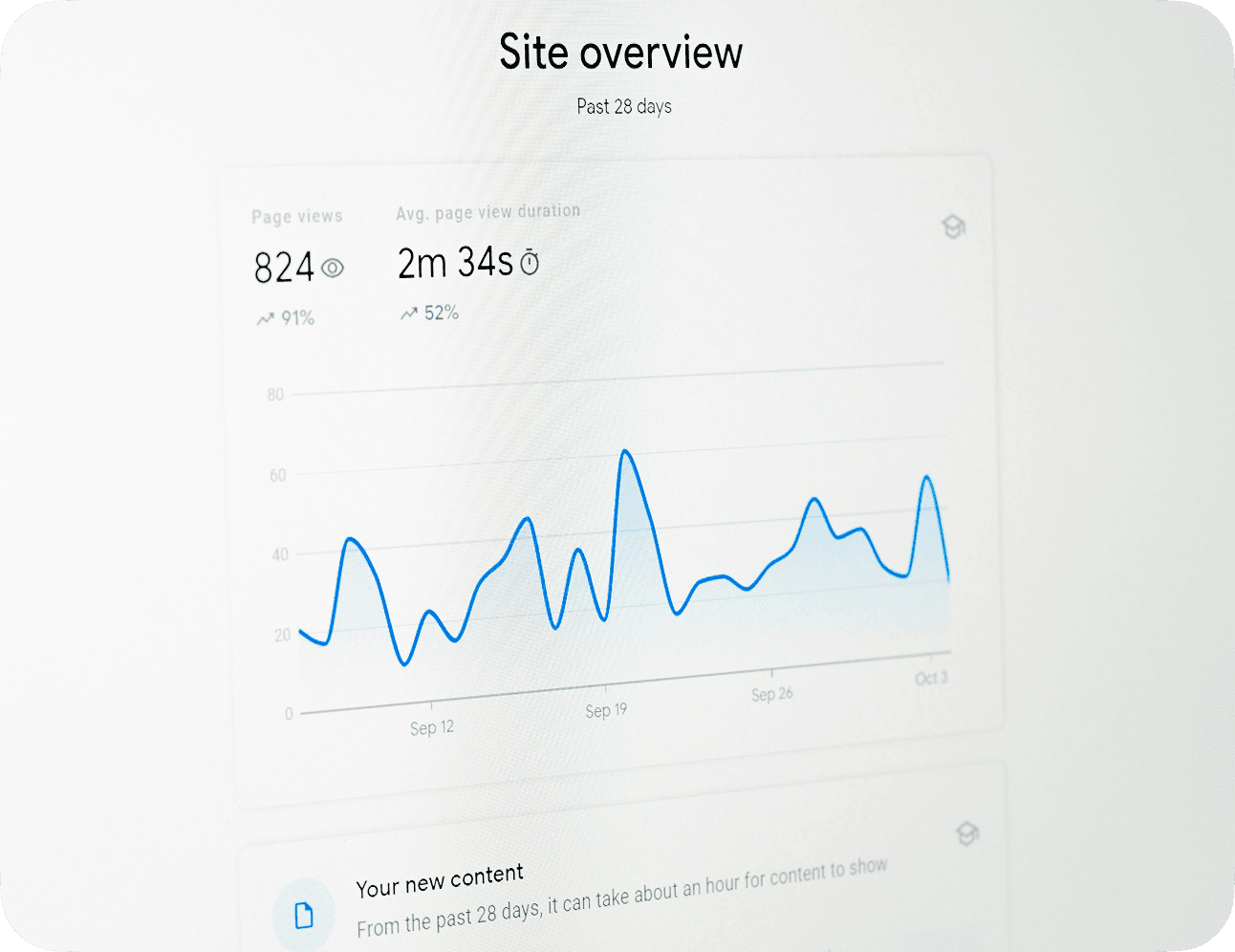
Technical Logic
Jul 4, 2026
Avijit Roy
Ceo & Co-Founder
Business ROI
Jul 4, 2026
Avijit Roy
Ceo & Co-Founder
